Order Rush
Read the queue, prioritize each order, and keep the café moving when the pressure rises.
 VSENTRA
A new game from Vsentra

Serve fast. Stay cool. Keep the coffee moving.
More than one way to brew
Grow your supply of Caffeine, then decide how to spend your time. Chase scores in distinct minigames, try your luck for more currency, and give your espresso bean a style of its own.
Read the queue, prioritize each order, and keep the café moving when the pressure rises.
Put your reflexes to work in a fast, slice-driven pixel espresso challenge.
Take a chance with the lottery for an opportunity to add more Caffeine to your total.
Unlock Skins and dress up your espresso bean with a look that fits your style.

From sketch to sprite
Espresso Presso’s pixel art starts by hand: shaping a readable silhouette, building color, and refining the smallest details until the character feels alive.
A first look at the drawing process, from an empty canvas to a finished espresso bean.

See a player-inspired skin take shape one pixel, color, and detail at a time.
Available now on Steam
Espresso Presso is now available. Step behind the counter, earn Caffeine, take on minigames, and make your bean your own.
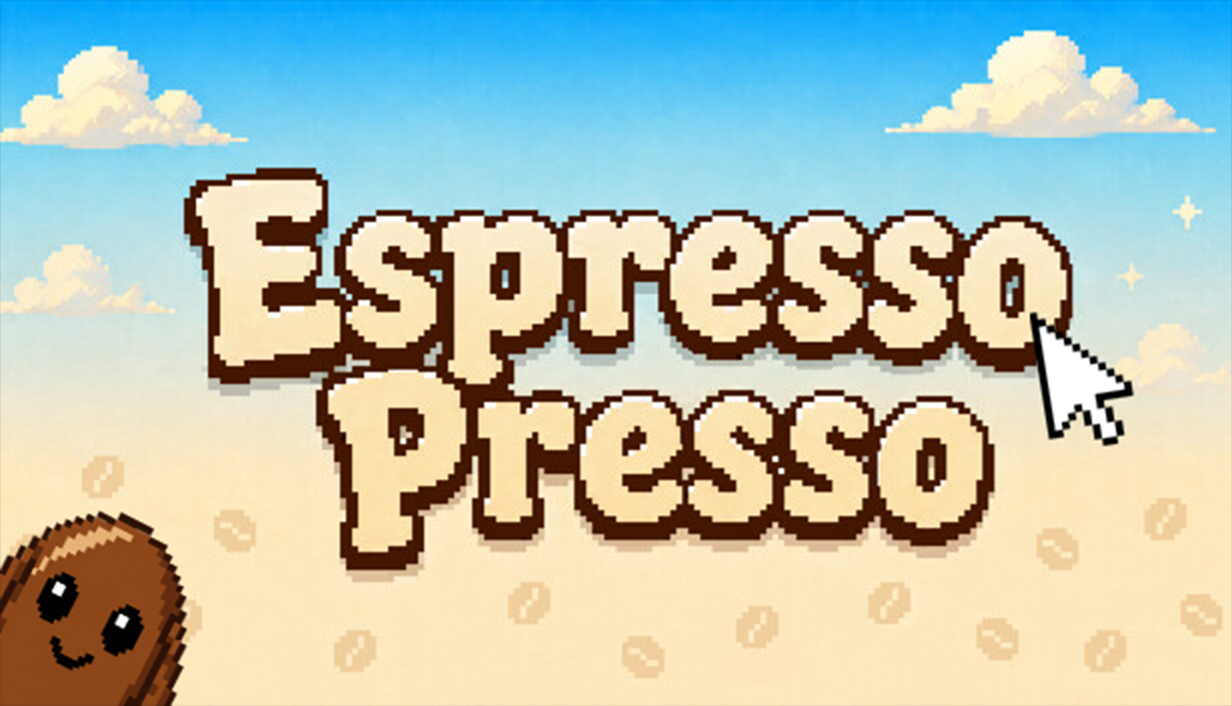
Espresso Presso is a casual, single-player pixel-art coffee game built around fast minigames, collecting Caffeine, and customizing your espresso bean.
Espresso Presso is available for Windows PC through Steam.
Espresso Presso launched on September 24, 2026.
You can get Espresso Presso on Steam now.
Sign in with
SteamAvailableConnect your Steam identity for your Vsentra player profile and future player features. Steam shares your public Steam ID, never your password. Privacy
Signed in as
Steam player SteamAvailable